After collecting the keys to a new-launch condo, inspect methodically and record defects in a form the developer can act on. A list saying “tiles bad” is hard to locate or verify; a dated room, exact position, photograph and requested follow-up make the issue clearer. This guide is a desk-research checklist, not a site inspection or a substitute for your Sale and Purchase Agreement.
When does the defects process begin?
URA's property-buying guide, opened on 11 October 2026, says that after Temporary Occupation Permit is issued, the relevant progress payment is made and keys are collected, buyers can inspect and report defects to the developer for rectification during the one-year defects liability period. Read your own agreement and the developer's handover pack for the process, submission channel and dates that apply to your unit. Do not rely on a neighbour's deadline or an old online checklist.
Start with the documents supplied at handover: unit plan, finishes schedule, appliance manuals, keys, access cards and the developer's reporting instructions. Compare the actual unit with the contractual specifications, not just with the showflat memory. URA's housing-developer guidance is context for developer obligations and the formal buying process, but the signed agreement and approved plans matter for a particular claim. Where a discrepancy may involve legal interpretation, ask your conveyancing lawyer.
What should one defect entry contain?
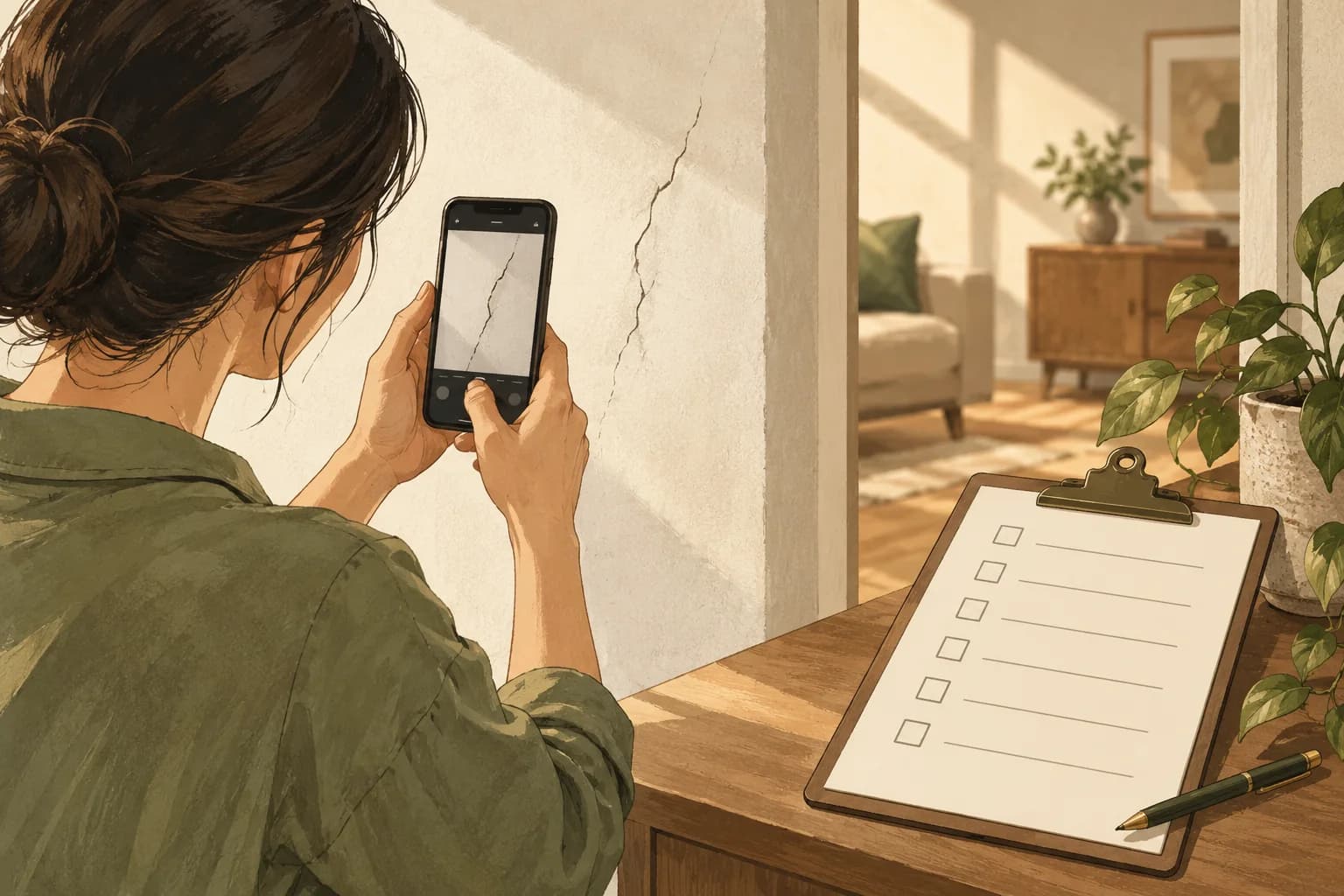
Make one row per location and issue: room; wall, fixture or position; what you observed; photograph or short video file name; date; whether it affects use or safety; date reported; developer reference number; appointment; result; and date rechecked. Use neutral descriptions such as “bathroom door catches at the lower hinge when closing” instead of assuming the cause. For an illustrative entry: “Bedroom 2, window-side wall, paint blister approximately the size of a coin; photographed before furniture installation; reported through the developer portal on 18 November.” That is a fictional example, not a real unit or complaint.
Photograph the wider room first so a close-up can be located. Keep the original files and a copy of the message sent to the developer. If several people inspect, use one shared log so the same issue is not reported three times under different wording. Prioritise water ingress, exposed wiring or other possible safety issues for prompt professional attention; do not attempt repairs that might create risk or complicate evidence. For specialist measurements, an inspector may help, but ask for their written scope and sample report before paying.
How should follow-up and access work?
Agree how contractors enter the unit, who will be present and how the work area is protected. Confirm the appointment, proposed work and any preparation in writing. At the follow-up, compare the result with the original entry, take a new photograph and record “resolved”, “still present” or “new issue”, with the date. Avoid signing a broad completion acknowledgement if a named issue remains unresolved. If work affects access or renovation timing, ask the developer and your contractor to coordinate before materials arrive.
Keep a calendar reminder well before the date set by your agreement so unresolved entries are raised through the correct channel in time. An app or spreadsheet is useful only if the underlying photographs and correspondence remain retrievable. The new-launch research file is a place for project documents, questions beyond the showflat helps compare what was promised, and viewings guides cover the earlier stage. You may send NewLaunchGuru a question about the documentation process as an editorial enquiry; we do not inspect units or promise an inspector referral.
Common questions
Is the defects liability period the same as a general product warranty?
No. URA describes a one-year defects liability period in the new-property handover process. Read the Sale and Purchase Agreement and developer instructions for the exact procedure.
Should I report “bad wall” as one defect?
Describe the exact room, position and visible issue, attach a locating photo and keep the report reference so the developer can investigate it.
Does NewLaunchGuru's example describe an inspected condo?
No. The Bedroom 2 entry is fictional and shows the information a useful defect log should capture.
Sources
- property-buying guide ura.gov.sg
- housing-developer guidance ura.gov.sg
Something changed or worth adding?
Send a correction or suggestion